
📋 In This Article
🔐 Isaral DSC Services
Get Your Genuine Digital Signature Certificate
Get secure DSC services for individuals, businesses and organizations with expert assistance.
✓ Class 3 Individual DSC
✓ Class 3 Organisation DSC
✓ DGFT & Document Signer DSC
✓ DSC Renewal & Support
✓ Fast Verification & Expert Assistance
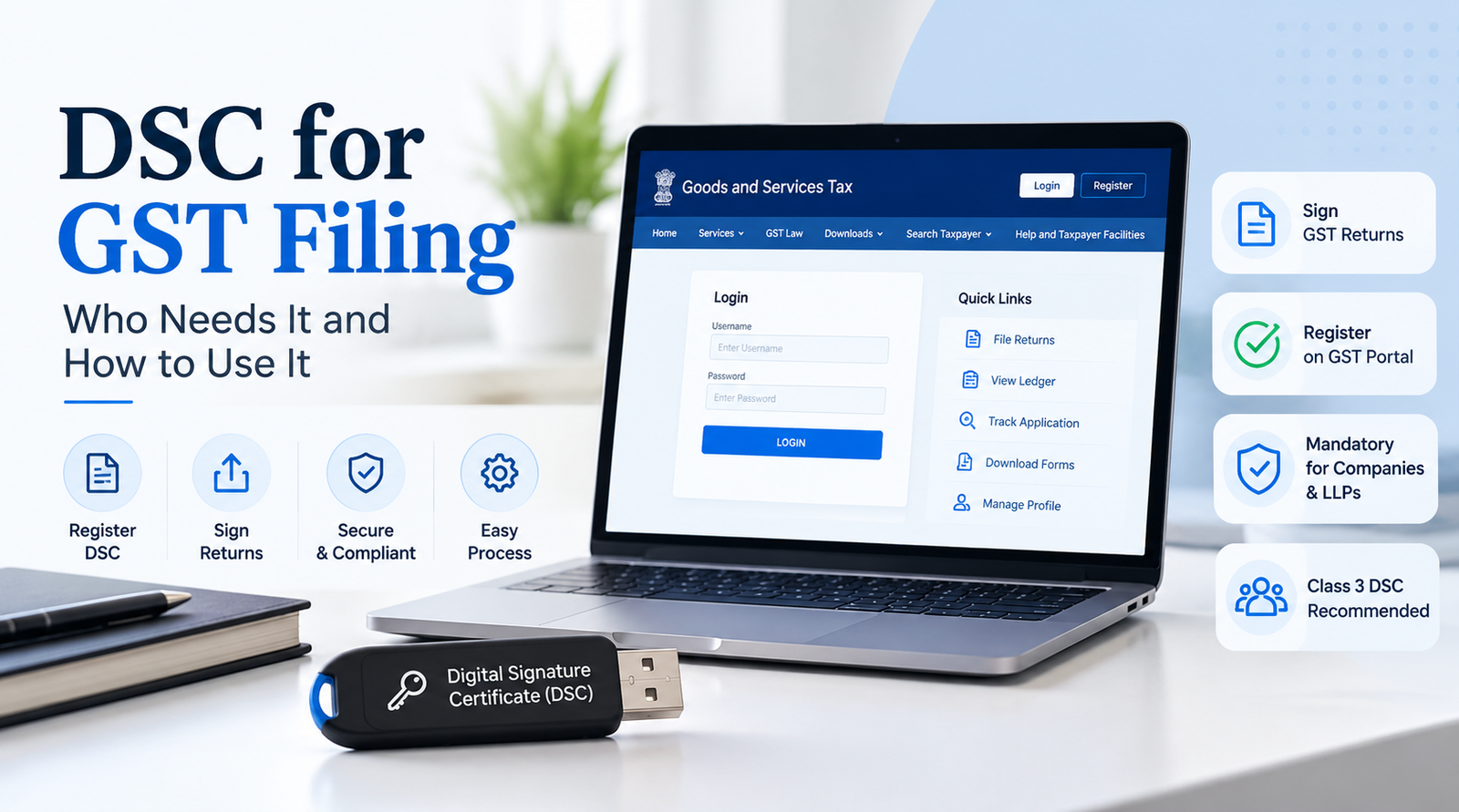
DSC for GST Filing: Who Needs It and How to Use It
DSC for GST filing is one of the most common requirements for businesses registered under GST in India, yet many taxpayers are unsure whether they actually need one. A Digital Signature Certificate (DSC) is the electronic equivalent of your handwritten signature. It proves your identity and lets you sign GST returns and applications securely on the GST portal.
In this guide, you will learn what a digital signature certificate for GST is, who needs it, how to register it on the GST portal, and how to use it to file your GST returns without errors.
On the GST portal, a DSC is used to digitally sign and verify returns, applications and declarations. A signature made with a valid DSC is legally recognised under the Information Technology Act, 2000.
What Is a DSC for GST?
A Digital Signature Certificate is a secure digital key issued by a Certifying Authority (CA) licensed by the Controller of Certifying Authorities (CCA), India. It is usually stored on a password-protected USB token and contains the holder’s name, PAN, email, validity and the issuing authority.
On the GST portal, a DSC is used to digitally sign and verify returns, applications and declarations. A signature made with a valid DSC is legally recognised under the Information Technology Act, 2000.
Who Needs a DSC for GST Filing?
Whether you need a DSC depends mainly on your type of business. Under the GST rules, returns of companies and LLPs must be verified using a DSC, while other taxpayers can choose between DSC and EVC (Electronic Verification Code sent to the registered mobile number).
Table 1: DSC vs EVC Requirement by Taxpayer Type
Taxpayer Type | DSC Required? | Alternative Option |
|---|---|---|
| Private / Public Limited Company | Mandatory | Not available for most returns |
| Limited Liability Partnership (LLP) | Mandatory | Not available for most returns |
| Proprietorship Firm | Optional | EVC (OTP) or Aadhaar e-Sign |
| Partnership Firm | Optional | EVC (OTP) or Aadhaar e-Sign |
| Trust / Society / AOP | Optional | EVC (OTP) |
Note: The government occasionally notifies relaxations for specific returns, so always check the latest notifications on the GST portal before filing.
Where Is a DSC Used on the GST Portal?
- Filing GSTR-1 and GSTR-3B returns (for companies and LLPs)
- Filing the annual return (GSTR-9) and reconciliation statement (GSTR-9C)
- Submitting refund applications
- Signing the new GST registration application of a company or LLP
- Filing amendments and other applications that need a signature
Where Is a DSC Used on the GST Portal?
- Filing GSTR-1 and GSTR-3B returns (for companies and LLPs)
- Filing the annual return (GSTR-9) and reconciliation statement (GSTR-9C)
- Submitting refund applications
- Signing the new GST registration application of a company or LLP
- Filing amendments and other applications that need a signature
Which DSC Class Is Needed for GST?
A Class 3 DSC is the standard choice for GST and other government e-filing. It is issued after strict identity verification and offers the highest level of security. Make sure the DSC is issued in the name of the authorised signatory and that the PAN on the certificate matches the PAN registered for that person on the GST portal.
How to Register DSC on the GST Portal (Step by Step)
- Buy a DSC: Purchase a Class 3 DSC (signing) from a licensed Certifying Authority.
- Install the driver: Install the USB token driver provided by the CA.
- Download emSigner: Install the latest emSigner utility from the GST portal (Downloads section). Keep it running while you work.
- Log in: Sign in to the GST portal with your username and password.
- Open profile: Go to My Profile → Register/Update DSC.
- Choose certificate: Click Register/Update DSC, select your certificate and click Sign.
- Enter PIN: Enter the token PIN and confirm. A success message appears once the DSC is registered.
How to File GST Returns Using DSC
- Plug in your USB token and start the emSigner utility.
- Log in to the GST portal and go to Services → Returns → Returns Dashboard.
- Select the financial year and return period, then click Search.
- Prepare your return (for example GSTR-1 or GSTR-3B) and click Proceed to File.
- Select File with DSC, choose your certificate and click Sign.
- Enter the token PIN. You will receive an ARN (Acknowledgement Reference Number) by SMS and email once filing succeeds.
Common DSC Errors on the GST Portal and How to Fix Them
Table 2: Troubleshooting DSC for GST Filing
| Problem | Likely Cause | Solution |
|---|---|---|
| Certificate not showing | Token driver missing or token not detected | Reinstall the driver, try another USB port, restart the browser |
| emSigner not detected | Utility not running or outdated | Run emSigner as administrator and install the latest version |
| PAN mismatch error | DSC PAN differs from the signatory’s PAN on the portal | Update signatory details or get a DSC issued with the correct PAN |
| DSC expired | Validity (usually 1–3 years) has ended | Renew the DSC and re-register it on the portal |
| Wrong PIN / token locked | Too many incorrect PIN attempts | Contact your Certifying Authority to unblock the token |
Tips to Use Your DSC Safely
- Never share your USB token or PIN with anyone, including staff or consultants you do not fully trust.
- Set a calendar reminder to renew your DSC at least 15 days before expiry.
- Keep a backup contact of your Certifying Authority for quick support.
- Use the same browser and the latest emSigner version for fewer technical issues.
Frequently Asked Questions (FAQs)
1. Is DSC mandatory for GST filing?
It is mandatory for companies and LLPs. Other taxpayers such as proprietors and partnership firms can use EVC instead of a DSC.
2. Which DSC is required for GST filing?
A Class 3 DSC in the name of the authorised signatory is the standard choice for GST return filing.
3. Can one DSC be used for multiple GSTINs?
Yes. If the same person is the authorised signatory for several GSTINs, the same DSC can be registered against each of them, provided the PAN details match.
4. How long is a DSC valid?
Validity is typically 1, 2 or 3 years depending on the plan you buy. After that you must renew it.
5. Can I file GST returns without a DSC?
If you are not a company or LLP, yes. You can file using EVC or Aadhaar e-Sign. Companies and LLPs need a valid DSC.
Ready to Take Your DSC?
Contact iSaral Business Solutions for DSC renewal assistance in Bangalore — before your certificate expires.
- Licensed CA Access— renewed only through CCA-licensed Certifying Authorities
- Guided Verification— help completing eKYC and video verification
- Free Installation Help— get your token and certificate working, guaranteed
- Fast Turnaround— renew ahead of your filing deadline
Conclusion
Understanding DSC for GST filing saves you from last-minute filing errors and penalties. If you run a company or LLP, getting a Class 3 DSC, registering it on the GST portal and keeping it renewed is essential. Proprietors and partnerships have the flexibility to choose EVC, but a DSC still offers a faster and more secure way to sign.
Need help with GST registration, DSC or return filing? Contact our experts today and keep your business fully compliant.
Disclaimer: This article is for general information only. GST rules and portal procedures change from time to time, so please verify with the official GST portal or a tax professional.