
by | May 28, 2026 | Tally Prime | 0 comments
📋 In This Article
- Why Businesses Need to Upgrade
- Streamlining GST to TallyPrime
- Common Problems Businesses Face
- From Manual GST to TallyPrime
- Lack of Real-Time Financial Visibility
- Inventory Management Problems
- What Is Excel to TallyPrime Migration?
- Benefits of Switching to TallyPrime
- Automated Accounting Processes
- Simplified GST Compliance
- Real-Time Business Reporting
- Advanced Management Features
- Automated Bank Reconciliation
- Excel vs TallyPrime Comparison
- Step-by-Step Migration Process
- Tips for Smooth Transition
- Final Thoughts
Upgrade from Excel to TallyPrime Today
Get full access to all premium features free for 7 days.
✅ Full Access — all features unlocked
✅ No Credit Card required
✅ Expert Support included
✅ Cancel Anytime
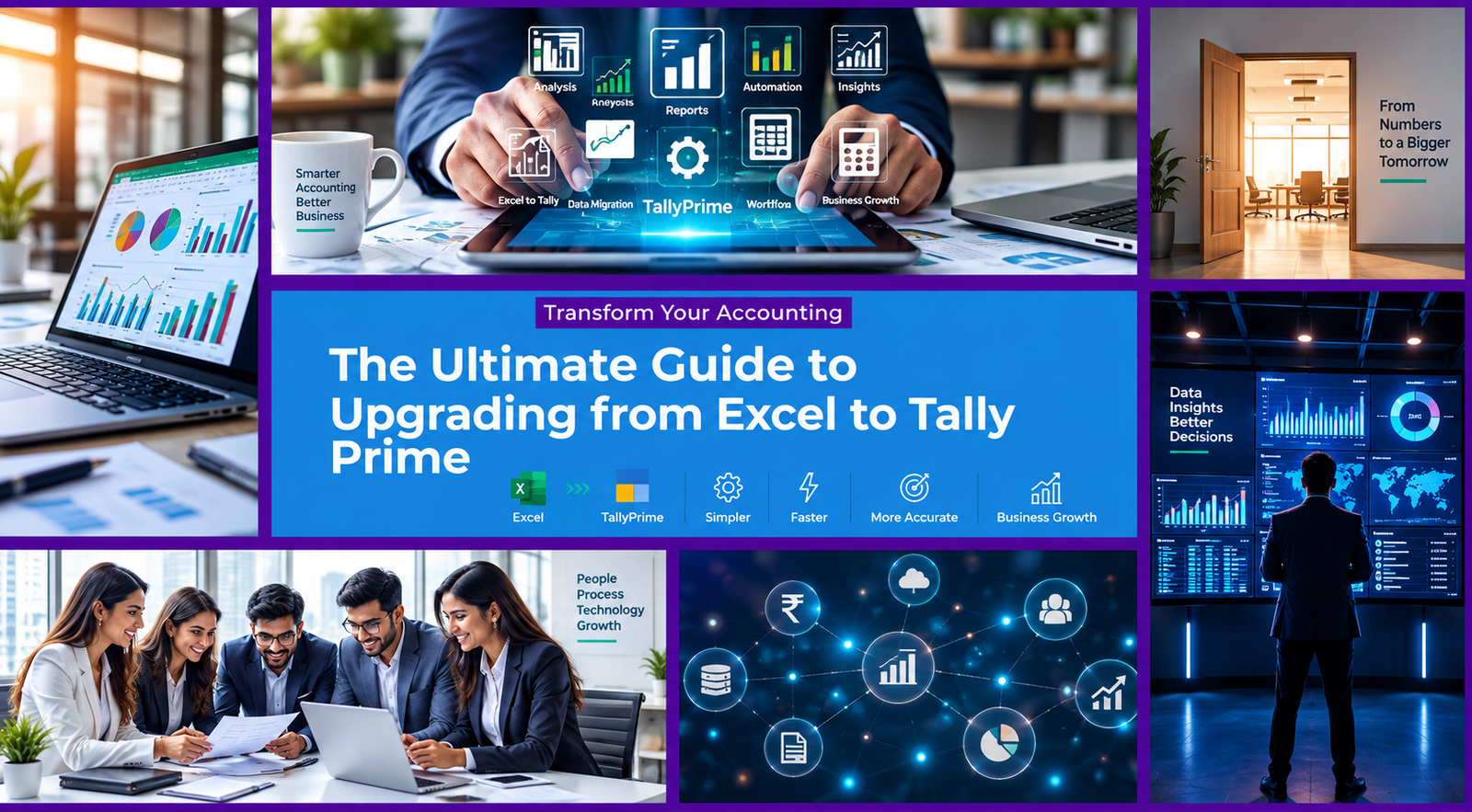
The Ultimate Guide to Upgrading from Excel to TallyPrime
There comes a time in every growing business when Excel simply stops being enough. You start managing complex invoicing, tracking inventory, completing compliance filings, and generating financial reports — and suddenly your spreadsheets become a liability instead of an asset. If you’ve been thinking about making the move to dedicated accounting software, this Ultimate Guide to Upgrading from Excel to TallyPrime will walk you through every step of the process, from understanding why the switch matters to executing a smooth, data-preserving migration.
TallyPrime is India’s most widely adopted business management software — trusted by over 7.5 million businesses for its reliability, compliance readiness, and ease of use. Whether you’re a small retailer, a growing manufacturer, or an established service provider, transitioning from Excel to TallyPrime is one of the most high-impact operational decisions your business can make. This guide will show you exactly how to do it right.
Why Businesses Need to Upgrade from Excel to TallyPrime
Excel is a brilliant general-purpose tool — but it was never designed to be a business accounting system. As your operations grow, the limitations of spreadsheet-based management become increasingly costly. Here is what ultimately pushes most businesses to make the switch:
⚠️ The Core Problem Excel Scales Poorly with Complexity What works for 50 monthly transactions collapses under 5,000. Formulas break, files get corrupted, multiple versions conflict, and compliance becomes a monthly scramble. | ✅ The TallyPrime Advantage Purpose-Built for Indian Business TallyPrime is engineered specifically for Indian GST compliance, inventory management, multi-user workflows, and the kind of financial reporting that banks and auditors actually need. |
Streamlining GST to TallyPrime: A Business Migration Guide
One of the most compelling reasons to move from Excel to TallyPrime is the dramatic simplification of GST compliance. Managing GST in Excel involves manually maintaining rate tables, manually generating return-ready reports, and manually uploading data to the portal every filing cycle — a process riddled with opportunities for error.
TallyPrime handles the entire GST lifecycle natively. Here is what your business can take full advantage of immediately after migration:
✅ Tally Billing — Create fully GST-compliant invoices with automatic tax calculation at the point of entry, with no manual tax table lookups.
✅ Inventory Management — Real-time stock levels automatically updated with every sales and purchase entry, linked directly to your financial accounts.
✅ Payroll Billing — Integrated payroll with PF, ESI, and professional tax calculations built in and fully statutory compliant out of the box.
✅ GST Filing — Automated GSTR-1, GSTR-3B, and reconciliation report generation — file directly from TallyPrime to the GST portal.
✅ Tally Reports — Instant Profit & Loss, Balance Sheet, Cash Flow, and MIS reports generated automatically from your live transaction data.
✅ TDS Deduction — Automatic TDS calculation and deduction at the point of vendor payment, with statutory reports ready for filing.
✅ Banking — Bank reconciliation with direct statement import, removing the manual process of matching your books against bank records line by line.
✅ Key Insight: On average, businesses that complete an Excel to TallyPrime migration report reducing their monthly compliance processing time by over 60% — while simultaneously improving accuracy and audit readiness.
Common Problems Businesses Face with Excel and Financial Errors
Formula Errors and Financial Losses
One of the biggest challenges in Excel is that we’re all prone to making a typing mistake. A typo can affect other cells in the same row, column or across an entire dataset. The result is that errors are hard to detect, leading to financial discrepancies and making it impossible to trust your own numbers.
Common Excel-related financial errors that businesses encounter regularly:
- Broken VLOOKUP or INDEX/MATCH formulas producing silent incorrect results
- Circular references that cause erroneous totals in financial summaries
- Accidental deletion of formula rows during data cleanup processes
- Incorrect cell range selections in SUM or SUMIF functions
- Copy-paste errors introducing misaligned data across multiple sheets
⚠️ The Real Cost: A single undetected formula error in a tax calculation or inventory valuation can lead to GST penalties, incorrect stock ordering, and flawed management decisions — all stemming from a mistake you never knew existed.
From Manual GST to Tally Prime: A Business Migration Guide
As We Move from Excel to TallyPrime
When your business transitions from manually managing GST in spreadsheets to TallyPrime’s integrated system, the operational improvement is immediate and measurable. The moment you migrate, every transaction you record is automatically classified by GST type, rate, and applicability — with no manual intervention required.
TallyPrime’s GST infrastructure covers every scenario your business will encounter:
- Automatic CGST, SGST, IGST, and UTGST splitting based on transaction type
- HSN/SAC code validation at the point of item entry
- Reverse charge mechanism (RCM) handled automatically for applicable vendor categories
- Input Tax Credit (ITC) calculation and GSTR-2B reconciliation built into the workflow
- E-invoice generation directly from TallyPrime with IRN and QR code embedding
Lack of Real-Time Financial Visibility
Cash Flow Problems and Hidden Blind Spots
Excel simply cannot provide real-time financial data. Every report you generate is a snapshot of the past — and by the time it’s prepared, it’s already outdated. Cash flow problems in growing businesses are frequently rooted in this information lag: decisions are made based on financial positions that are hours, days, or even weeks stale.
The key financial visibility gaps that Excel creates for growing businesses:
- No live view of receivables — you don’t know who owes you money right now
- Payables lag — outstanding vendor invoices aren’t visible until manually entered
- No real-time P&L — profitability is unknown until month-end calculations are done
- Cash position requires manual bank reconciliation before it can be trusted
- No early warning alerts for overdue receivables or low cash reserves
TallyPrime solves every one of these visibility gaps. The moment a transaction is recorded — a sale, a purchase, a payment, a receipt — it is instantly reflected across your P&L, Balance Sheet, Cash Flow Statement, and every other report that depends on that data.
Inventory Management Problems in Excel
Data Entry Errors and Stock Discrepancies
Inventory management in Excel is fundamentally fragile. Every stock update requires a manual entry — and every manual entry introduces the possibility of a typo, a missed row, or an incorrect quantity. Over weeks and months, these small errors compound into stock records that bear little resemblance to your actual physical inventory.
The most damaging inventory problems that Excel-dependent businesses report:
❌ Excel Inventory Failures
- Stock levels not updated in real time after sales
- No batch or expiry tracking capability
- No multi-location (godown) support without complex workarounds
- Reorder alerts require manual monitoring and formula maintenance
- No link between stock movement and financial accounts
- Physical count verification requires time-consuming manual reconciliation
✅ TallyPrime Inventory Solutions
- Real-time stock updates with every sales and purchase voucher
- Full batch, lot, and expiry date tracking built in
- Multi-godown support with location-wise stock reports
- Automated reorder level alerts triggered by actual stock movement
- Inventory fully integrated with accounts — no manual syncing
- Stock summary, movement analysis, and ageing reports on demand
What Is Excel to TallyPrime Migration?
Excel to TallyPrime migration is the structured process of transferring your business’s existing financial data — ledgers, stock items, opening balances, and historical transactions — from spreadsheet files into TallyPrime’s accounting database.
The migration covers all the core data categories your business needs to continue operations without interruption:
- Accounting masters (ledger groups, ledger accounts, cost centres)
- Inventory masters (stock groups, stock items, units of measure, godowns)
- Opening balances for all ledger accounts as of migration date
- Party master data (customer and vendor details, GST numbers, addresses)
- Historical transactions for the current financial year (optional but recommended)
📌 Important: TallyPrime provides official XML-based import tools that allow structured data from Excel to be imported cleanly, without requiring manual re-entry of hundreds or thousands of records.
Benefits of Switching to TallyPrime from Excel
The operational benefits of completing your Excel to TallyPrime migration are immediate, measurable, and cumulative. Every month you continue on Excel, you are paying a hidden cost in manual effort, compliance risk, and missed business intelligence. Here is what changes the moment you go live on TallyPrime:
Automated Accounting Processes
1 .Single-Entry, All-Report Updates
Every voucher you post in TallyPrime — whether it is a sales invoice, a purchase bill, a payment, or a journal entry — automatically updates every related report simultaneously. Your P&L, Balance Sheet, Cash Flow, Party Ledger, and Stock Summary all reflect the transaction instantly.
- Ledger accounting with automatic double-entry enforcement
- E-invoice and e-way bill generation at the point of billing
- GST-ready invoices with automatic tax classification and computation
- Auto-reconciliation between purchase records and GSTR-2B data
Simplified GST Compliance
2 . End-to-End GST Automation
TallyPrime transforms GST compliance from a monthly manual ordeal into a continuous, automated background process. By the time your filing deadline arrives, your returns are already complete — built progressively from every transaction you have recorded throughout the period.
- Automatic GSTR-1 and GSTR-3B computation from live transaction data
- GSTR-2A and GSTR-2B reconciliation with one-click matching
- ITC eligibility tracking with automatic reversal calculations
- Detailed GST audit report showing tax collected and paid at all rate slabs
- Annual return (GSTR-9) preparation with full data already captured
Real-Time Business Reporting
3. Instant Intelligence, Always Current
TallyPrime gives you live access to every critical business report at any moment — not just at month-end after hours of manual compilation. Every report is generated from live data and reflects the current state of your business as of the most recent transaction entered.
- Profit & Loss Statement — live, by period, by cost centre, or by product line
- Balance Sheet with drill-down to individual ledger transactions
- Cash Flow and Fund Flow statements generated automatically
- Receivables and Payables ageing — who owes you what, and for how long
- Day Book, Sales Register, and Purchase Register with full filtering
- MIS reports for management review, exportable to Excel or PDF
Advanced Management Features
4. Beyond Accounting — Full Business Management
TallyPrime extends far beyond basic accounting to cover the full operational footprint of a growing business. These features are all included in the standard TallyPrime licence with no additional modules to purchase separately.
- Multi-currency transactions with automatic exchange rate management
- Job costing and project-wise profitability tracking
- Budget management with variance analysis against actuals
- Interest calculation on outstanding receivables and payables
- Sales order and purchase order management with fulfilment tracking
- Manufacturing and bill of materials (BOM) management
- Payroll management with statutory compliance for PF, ESI, and PT
- TDS/TCS deduction, challan generation, and return preparation
Automated Bank Reconciliation
5. Bank Reconciliation Without the Manual Work
TallyPrime’s bank reconciliation feature allows you to import your bank statement directly and match transactions against your recorded entries automatically. The system identifies matched entries, flags unmatched items, and produces a reconciliation report in minutes — a task that previously took hours every month in Excel.
- Auto-match of entries by amount, date, and narration
- Support for all major Indian bank statement formats
- Unreconciled entry tracking with ageing and follow-up visibility
- Concurrent bank reconciliation for businesses with multiple bank accounts
Excel vs TallyPrime Comparison
Here is a comprehensive side-by-side comparison of every feature category that matters for a growing Indian business operation:
| Feature | Microsoft Excel | TallyPrime |
|---|---|---|
| GST Compliance | Manual — external filing tools required | Fully built-in, direct portal filing |
| GST Management | Separate file for each return type | Integrated end-to-end GST management |
| Inventory Management | Separate sheet, manually updated | Real-time, linked to financial accounts |
| Collaboration Features | Version conflicts, email-based sharing | Concurrent multi-user real-time access |
| Financial Accuracy | Formula-dependent, human error-prone | Double-entry enforcement, tamper-proof |
| Data Security | File-level password, easily bypassed | Role-based permissions + encryption |
| Audit Trail | None — changes leave no record | Full user-level, timestamped audit log |
| E-Invoice Generation | Manual upload to separate portal | Direct from TallyPrime with IRN & QR |
| Bank Reconciliation | Manual, line-by-line matching | Auto-matching with statement import |
| Business Reporting | Manual chart and pivot construction | Instant live reports, drill-down capable |
Step-by-Step Excel to TallyPrime Migration Process
The migration process is straightforward when approached systematically. Follow these five steps to move your business data cleanly from Excel to TallyPrime without disruption to your operations.
Step 1: Clean Existing Data
Before importing anything into TallyPrime, invest time in cleaning and standardising your existing Excel data. This is the most critical step — the quality of your migration depends entirely on the quality of the data you start with.
- Audit all ledger accounts — remove duplicates and consolidate merged accounts
- Standardise party names (one consistent name per customer and vendor)
- Verify all GST numbers (GSTINs) against the GST portal
- Confirm opening balances — reconcile your trial balance to zero difference
- Clean stock items — standardise names, units of measure, and HSN codes
💡 Pro Tip: Any duplicate ledger or misnamed stock item that exists in Excel will carry over into TallyPrime if not cleaned first. Spend one hour cleaning now to save ten hours of post-migration corrections.
Step 2: Download Import Templates
TallyPrime uses structured XML import files for data migration. The iSaral team provides ready-to-use Excel templates formatted to TallyPrime’s import specifications for all major data categories.
- Ledger master template — all accounts with opening balances and GST details
- Stock item template — all inventory items with units, HSN codes, and rates
- Party master template — customers and vendors with addresses and GSTINs
- Opening balance template — trial balance as of migration date
Step 3: Import Master Data
With your templates filled in, use TallyPrime’s built-in XML import utility to bring your masters into the new company. Always import in the correct sequence to avoid reference errors.
- Import ledger groups first, then ledger accounts
- Import stock groups, then stock categories, then stock items
- Import opening balances only after all masters are confirmed correct
- Verify each import batch before proceeding to the next
Step 4: Import Transactions
For businesses migrating mid-year, historical transactions for the current financial year can be imported to maintain a complete audit trail. Past year data is typically brought across as opening balances rather than individual vouchers.
- Sales invoices with full GST breakdowns and party details
- Purchase bills with vendor GST details for ITC claims
- Payment and receipt vouchers for bank and cash reconciliation
- Journal entries for adjustments and accruals
- Validate each batch against your Excel source totals before confirming
Step 5: Resolve Errors and Validate
After all data is imported, run a full validation pass to confirm your TallyPrime data matches your Excel records exactly. This is your quality checkpoint before going live.
- Compare trial balance in TallyPrime against your final Excel trial balance
- Verify stock summary quantities against your physical count or Excel stock report
- Confirm all party balances — customer and vendor outstanding amounts
- Run a GST audit report and cross-check against your Excel GST workings
- Test a live transaction (a sample invoice and payment) to confirm the workflow
✅ Go-Live Checklist: Trial balance matches ✓ · Stock quantities match ✓ · Party balances confirmed ✓ · GST returns reconciled ✓ · Test transaction completed ✓ — You’re ready to go live.
Tips for Smooth Transition to TallyPrime
As You Enter the New Financial Year
The cleanest time to migrate from Excel to TallyPrime is at the start of a new financial year — April 1st — when your books reset naturally. This eliminates the complexity of mid-year migration and gives you a clean starting point with only opening balances to import.
Time Your Migration Right
Migrate at the start of April. Your current year stays in Excel as an archive; your new year starts fresh in TallyPrime with verified opening balances.
Keep Excel as Backup Initially
Run both systems in parallel for the first 2–4 weeks. Use Excel only for cross-checking, not for live data entry. Transition fully once confidence is established.
Train Your Team Properly
Invest in a structured TallyPrime training program for every user before go-live. iSaral offers role-specific training modules covering data entry, reporting, and GST filing.
Keep Excel as Backup Initially
For the first month after migration, maintain your Excel files as a read-only reference archive. Do not continue entering data into both systems — this creates reconciliation nightmares. Use Excel only to verify historical figures when questions arise. Once TallyPrime has been running for a full billing cycle and your first GST return is filed successfully from it, you can retire your Excel files with full confidence.
Train Your Team Properly
The most common reason TallyPrime migrations struggle is under-investment in training. The software is highly intuitive, but every team member who will use it needs to understand the voucher-based entry model, how to navigate between reports, and how to handle their specific role — whether that is sales invoicing, purchase entry, payroll, or financial reporting. Plan for at least two full training sessions before go-live, and ensure your team knows who to call when they have questions.
Why Choose iSaral?
Get full access to TallyPrime with expert migration support for 7 days, completely free.
✅Full Access
Access all TallyPrime features without any restrictions during your trial period
✅No Credit Card
Start instantly without providing any payment details upfront
Our dedicated TallyPrime experts will guide your entire Excel data migration
No hidden charges or long-term commitments required at any point
5K+
Migrations Done
4.9★
Rating
99.9%
Uptime
Final Thoughts
Migrating from Excel to TallyPrime is not just a software upgrade — it is a fundamental shift in how your business manages its financial operations. The businesses that make this transition successfully report not just better compliance and fewer errors, but a qualitative change in how confidently they can make decisions: because they finally trust their numbers.
The migration process itself, when approached with the right preparation and the right partner, is far simpler than most business owners expect. Your data will transfer cleanly. Your team will adapt quickly. And within the first full billing cycle, you will wonder how you ever managed on spreadsheets at all.
The best time to upgrade from Excel to TallyPrime was the last financial year. The second-best time is right now — before the next quarter adds more complexity to your current system.
Need Help with Excel to TallyPrime Migration?
iSaral is an authorised TallyPrime partner with a dedicated migration team that has successfully completed thousands of Excel to TallyPrime transitions across India. We handle everything from data cleaning and template preparation to import, validation, and post-go-live support.
📞 Get In Touch
Talk to a Migration Expert
Book a free 30-minute consultation with our TallyPrime migration specialists. We’ll assess your current Excel setup and give you a clear, step-by-step migration roadmap — at no cost.
🎓 Free Training Included
Full Team Onboarding Support
Every iSaral migration includes role-specific TallyPrime training for your entire team, ensuring everyone is confident and productive from day one of going live.
Need Help with Excel to TallyPrime Migration?
iSaral is an authorised TallyPrime partner with a dedicated migration team that has successfully completed thousands of Excel to TallyPrime transitions across India. We handle everything from data cleaning and template preparation to import, validation, and post-go-live support.
💡 Ready to Start? Fill in the form above or contact your nearest iSaral centre for a personalised Excel to TallyPrime migration assessment. Data migration assistance, training, and post-go-live support are all included with your iSaral TallyPrime subscription.