
- What Is a DGFT Digital Signature Certificate?
- Why Importers and Exporters Need a DGFT DSC
- Who May Need a DGFT DSC?
- DGFT DSC vs IEC
- DGFT DSC Requirements
- How to Obtain a DGFT DSC
- Documents and Information You May Need
- How to Choose the Right DGFT DSC
- Common DGFT DSC Problems
- DGFT DSC vs Other DSCs
- Frequently Asked Questions
- How iSaral Can Help
- Conclusion
🔐 Isaral DSC Services
Get Your Genuine Digital Signature Certificate
Get secure DSC services for individuals, businesses and organizations with expert assistance.
✓ Class 3 Individual DSC
✓ Class 3 Organisation DSC
✓ DGFT & Document Signer DSC
✓ DSC Renewal & Support
✓ Fast Verification & Expert Assistance
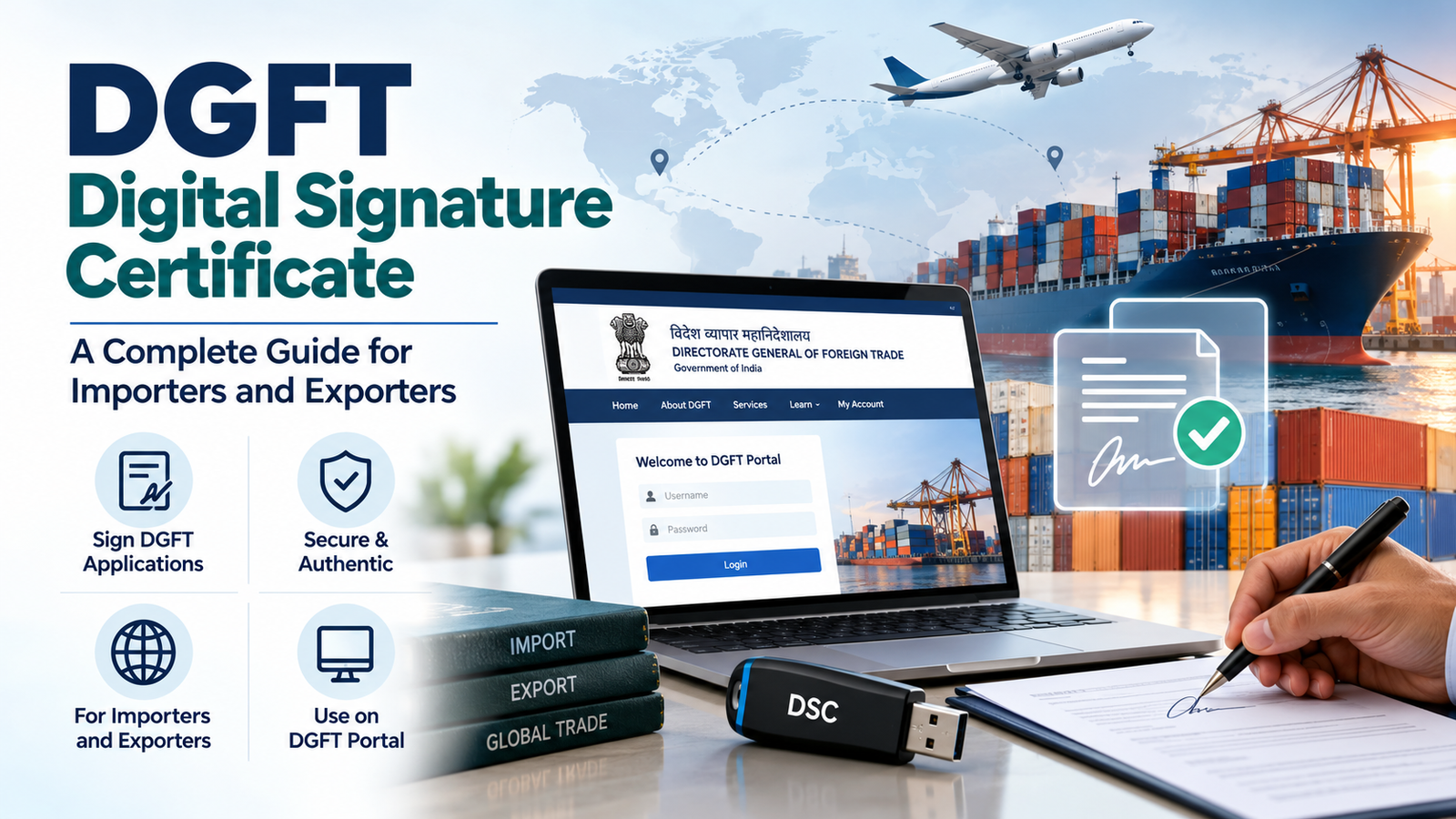
If you import or export from India, you will eventually need to prove to the Directorate General of Foreign Trade (DGFT) that the person submitting an application is who they claim to be. A DGFT Digital Signature Certificate is one of the ways that proof is provided online. But the rules are not as simple as “buy any DSC and log in”. The certificate DGFT accepts depends on your type of firm, the type of token, and the workflow you are using.
This guide explains what a DGFT DSC is, who may need one, how it differs from an Importer Exporter Code (IEC), what to prepare, how to obtain and register one, and how to fix common errors. It is based on DGFT’s own published FAQ on digital signatures, and it flags clearly where you must confirm the latest instructions on the DGFT portal.
Key Takeaways
- A DGFT DSC is not a separate certificate class. It is a DSC used to authenticate or sign on the DGFT portal.
- DGFT’s FAQ describes three token types, and the right one depends on your entity type.
- A DSC is not an IEC, and having one does not guarantee approval of any application.
- Aadhaar eSign is available for some IEC workflows, so a DSC is not needed for every action.
1. What Is a DGFT Digital Signature Certificate?
A Digital Signature Certificate (DSC) is an electronic credential issued by a Certifying Authority (CA) licensed under India’s Controller of Certifying Authorities (CCA). It links a person or organisation to a digital signature, so a signed online submission can be authenticated and shown not to have been altered.
A “DGFT DSC” or “DGFT digital signature” is simply a DSC used on the DGFT portal. Whether a particular certificate works depends on how it is issued and how DGFT validates it.
What is DGFT?
The Directorate General of Foreign Trade is the government body under the Ministry of Commerce and Industry that administers India’s Foreign Trade Policy. Its portal, dgft.gov.in, is where businesses manage their IEC and other foreign trade applications.
2. Why Importers and Exporters Need a DGFT DSC
A digital signature makes an online submission attributable to a specific, verified person. According to DGFT’s FAQ on digital signatures, a DSC was re-introduced in the IEC process to strengthen IEC issuance and modification. Practical examples:
- Linking an existing IEC to your DGFT portal profile
- Signing a new IEC application
- Signing an application to modify IEC details
Important: this does not mean a DSC is needed for every DGFT service. DGFT also offers Aadhaar-based eSign for linking, applying for and modifying an IEC, for eligible users. Other services can have their own signing requirements, so check the instructions for the service you are using.
3. Who May Need a DGFT DSC?
Anyone authorised to sign for a firm on the DGFT portal may need one:
- Importers and exporters managing their own IEC
- Merchant exporters and manufacturer exporters
- Proprietors, partners, directors, trustees and other authorised members
- Authorised representatives, where the relevant workflow permits it
Eligibility depends on your entity type. DGFT’s validation matrix shows, for example, that the signing member for a private limited company is a director, and for a partnership it is a partner.
| Point | DGFT DSC | IEC |
|---|---|---|
| Full form | Digital Signature Certificate | Importer Exporter Code |
| Purpose | Authenticates the signer and signs online submissions | Identifies a business for import and export activity |
| Function | A digital credential stored on a crypto token | A unique business identification number issued by DGFT |
| Use in import-export | Used to link, apply for or modify an IEC and sign other eligible submissions | Used as the business’s trade identity on DGFT and related processes |
| Replaces the other? | No | No |
A DSC does not grant an IEC, authorise exports, or guarantee approval of an application.
5. DGFT DSC Requirements Before You Apply
What you need depends on your entity type and workflow. Treat this as preparation areas, not a universal checklist.
Requirements stated in DGFT’s FAQ
- The DSC should be Class 2 or Class 3, issued by a CCA-licensed Certifying Authority (see the list at cca.gov.in).
- The certificate must be valid. An expired certificate will not work.
- The token driver must be installed so your computer can read the token.
- DGFT’s FAQ asks users to install the eMudhra emBridge utility and keep its service running while using the DSC on the DGFT website.
- You need a DGFT portal login, and you register the DSC after linking your IEC or starting an IEC application.
Requirements that depend on you
- Applicant identity: verified by the Certifying Authority under CCA norms.
- Organisation details: for organisation-based certificates, the organisation name must match DGFT’s records.
- Authorisation: if someone signs on behalf of a firm, the CA may need proof of that authority.
- Operating system and browser: the FAQ lists supported systems for emBridge. These can change, so confirm the current list.
Which DGFT DSC token types are accepted?
| Token type | Used by | How DGFT validates it |
|---|---|---|
| IEC-based token | All types of firms | IEC in the token is checked against the IEC in DGFT |
| Individual-based token (Class 2 or 3) | Proprietorships only | PAN in the IEC must match the PAN in the DSC |
| Organisation-based token (Class 2 or 3) | Firms other than proprietorships, such as partnerships, companies, HUFs, trusts and societies | Organisation name in the DSC is checked against the name as per PAN in DGFT’s database |
This is the most important point when choosing. An individual-based certificate that works for a proprietor will not be accepted for a private limited company.
6. How to Obtain a DGFT Digital Signature Certificate: Step-by-Step
General steps apply to almost any DSC. Confirm with DGFT steps must be checked against current DGFT instructions before you act.
| Step | What to do | Type |
|---|---|---|
| 1 | Identify your DGFT activity: link an existing IEC, apply for a new one, or modify details. Check on dgft.gov.in whether a DSC, Aadhaar eSign or both are available. | Confirm with DGFT |
| 2 | Determine your applicant category and token type using the table in section 5. Proprietorships may use an individual-based certificate; other entities need an organisation-based or IEC-based token. | Confirm with DGFT |
| 3 | Choose a CCA-licensed Certifying Authority or its authorised partner. See our guide to verifying a genuine DSC vendor. | General |
| 4 | Prepare identity, organisation and authorisation details as your provider requests. | General |
| 5 | Complete the provider’s application and identity verification. The process and timing are set by the provider and CA. | General |
| 6 | Receive and configure the certificate and token. Class 3 certificates are generally stored on a hardware crypto token. Change the default token PIN when prompted. | General |
| 7 | Install the token driver and the emBridge utility referred to in DGFT’s FAQ. Common drivers are on our USB drivers and utilities page. | Confirm with DGFT |
| 8 | Register the DSC on the DGFT portal. DGFT’s FAQ describes the path as My Dashboard, then View and Register Digital Signature Token, then Register New DSC. You select your token provider, choose the certificate and enter your token PIN. Portal menus can change, so follow the live instructions. | Confirm with DGFT |
| 9 | Check that the portal shows your digital signature details as registered, and test signing before any time-sensitive filing. | General |
7. Documents and Information You May Need
The exact list is set by the Certifying Authority and CCA norms, and it varies by applicant. Think of it in three groups.
| Category | Applies to | Examples (provider decides the final list) |
|---|---|---|
| Identity verification | The person who will hold the certificate | Proof of identity and address accepted by the CA, a recent photograph, verified mobile number and email, and eKYC or video verification where offered |
| Organisation verification | Organisation-based certificates | Proof of the organisation’s existence, organisation name details matching PAN-based records, and your IEC where an IEC-based token is considered |
| Authorisation | Someone signing on behalf of a firm | An authorisation letter or equivalent proof, such as a board resolution or partnership deed, if the CA requires it |
We do not treat any single document as universally mandatory, because requirements differ between providers, applicant types and CCA updates. Ask your provider for the current list, or see our DSC documents list.
8. How to Choose the Right DGFT DSC
| Factor | What to check |
|---|---|
| Intended DGFT activity | Whether your workflow accepts a DSC, Aadhaar eSign or both |
| Applicant category | Proprietorship, partnership, company or trust decides the accepted token type |
| Individual vs organisational | Individual certificates are limited to proprietorships in the IEC validation DGFT describes. See Individual vs Organisation DSC |
| Name accuracy | Proprietor or organisation name should be consistent with PAN-based data |
| Certificate validity | Pick a validity that suits your filing needs and note the expiry date |
| Token and software compatibility | Confirm the token works with your operating system and emBridge |
| Provider support | Check what help is offered for token setup and portal registration |
The certificate must meet the requirements of the workflow you intend to use. A valid certificate can still be rejected if it does not fit.
9. Common DGFT DSC Problems and Solutions
No single fix works for every token, browser or setup. These are sensible first steps, many drawn from DGFT’s own FAQ.
| Problem | What to try |
|---|---|
| DSC not detected, or token not connected message | Re-insert the token. Check that emBridge is installed and running, the correct token is connected and its driver is installed. |
| “Your DSC is not inserted” although it is | Confirm emBridge is running and your operating system is supported. Check the emBridge troubleshooting guides. |
| emBridge service shows “Not Found” | Click Refresh. If it persists, reinstall the utility. |
| Token driver issues | Reinstall the driver matching your token brand and model. |
| Token user PIN must be changed | Change the default token PIN, then try again. |
| Certificate expired | Renew or replace it. See what to do when your DSC expires. |
| Certificate not recognised, or registration error | Check the certificate type suits your entity type and the name matches DGFT records. DGFT’s FAQ says minor differences such as punctuation, “Pvt” for “Private” or “&” for “and” should be allowed to validate. |
| Incorrect certificate selected | If several certificates are on the token, choose the one that matches your entity. |
| Browser or signing software issue | Use a supported browser and OS, close other signing tools, and check the emBridge service is running. |
If these do not help, contact your DSC provider or the DGFT helpdesk.
10. DGFT DSC vs Other Digital Signature Certificates
Many businesses already hold a DSC for GST, MCA, income tax or e-tendering and wonder if it can be reused. Sometimes it can, but do not assume so.
| Point | DGFT | Other portals (GST, MCA, income tax, e-tenders) |
|---|---|---|
| Certificate validation | Checks the IEC or organisation name or PAN inside the certificate | Each portal sets its own validation rules |
| Individual vs organisation | Individual tokens accepted only for proprietorships in IEC workflows | Varies by portal and filing type |
| Registration | Register the DSC on your DGFT profile | Registration or mapping steps differ by portal |
| Supporting software | Token driver plus emBridge | Utilities differ by portal |
Before reusing an existing certificate, check it against DGFT’s current instructions and ask your provider whether its details meet them.
11. Frequently Asked Questions
1. What is a DGFT Digital Signature Certificate?
It is a Digital Signature Certificate used to authenticate and sign on the DGFT portal. It is not a separate class of certificate. Acceptance depends on the certificate type, the entity type and the DGFT workflow.
2. Is a DSC required for every DGFT portal service?
No. DGFT’s FAQ describes DSC use in IEC linking, application and modification, and also provides Aadhaar eSign for eligible users. Requirements for other services can differ, so check the current instructions for your service.
3. What is the difference between a DGFT DSC and an IEC?
A DSC is a digital credential used to sign. An IEC is the business identification number used for import and export. Neither replaces the other.
4. Who can apply for a DGFT DSC?
An individual or authorised representative who qualifies for a DSC from a licensed CA. For DGFT, the signer should be a legitimate signatory of the firm, such as a proprietor, partner or director, depending on the entity type.
Talk to iSaral Business Solutions
- Website: https://isaral.in/
- Phone: +91 7996113339
- Email: info@isaral.in
- Location: Nagarabhavi, Bengaluru, Karnataka
12. How iSaral Can Help
At iSaral Business Solutions, we help individuals and businesses with their Digital Signature Certificate requirements, including token setup and portal registration support. Tell us your entity type and what you need to do on the DGFT portal, and we will help you understand the applicable options.
13. Conclusion
The right DGFT Digital Signature Certificate is the one that matches your entity type, your DGFT workflow and DGFT’s current validation rules. Buying a certificate without checking these can lead to registration errors and delays.
Before you apply, confirm the latest guidance on the DGFT website and choose a licensed provider. If you would like help, explore iSaral’s Digital Signature Certificate services or our Class 3 DGFT DSC page.